
When your printer starts making strange noises, it’s a sign that something inside isn’t moving the way it should. Grinding, clicking, or squeaking sounds can come from a few common issues, and most are easy to check.
1. Paper Stuck Inside
A small piece of torn paper can block the rollers and cause grinding sounds.
Open the printer carefully and remove any leftover scraps.
2. Dirty or Dry Rollers
Rollers collect dust over time and may slip while pulling the paper.
Cleaning them gently often stops squeaking or clicking noises.
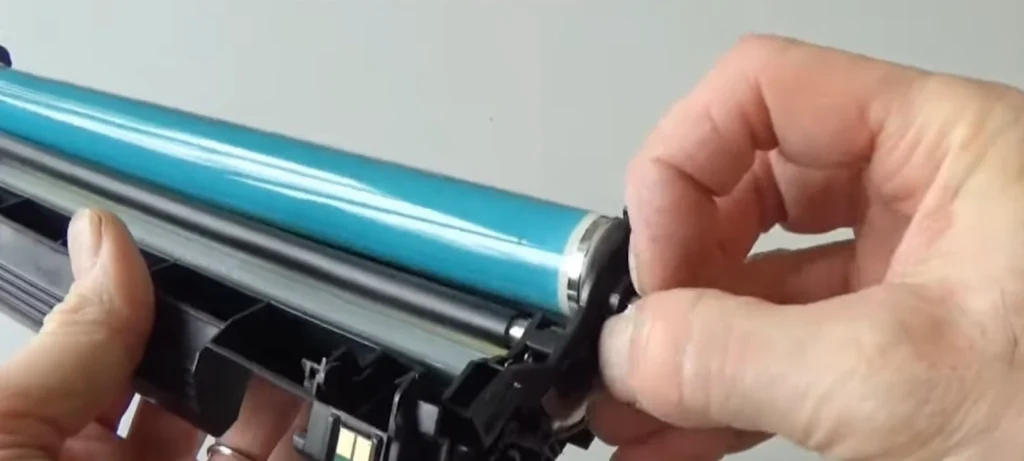
3. Misaligned Cartridges
If a cartridge isn’t seated properly, the carriage hits the side while moving.
Remove the cartridges, reinstall them, and restart the printer.
4. Foreign Objects Inside
Staples, clips, or small debris sometimes fall into the paper path.
A quick internal check usually solves the issue.
5. Worn Gears
Repeated use wears out plastic gears, causing loud grinding.
This needs servicing and shouldn’t be ignored if it happens often.
6. Loose Internal Parts
Vibration can loosen screws or panels, leading to rattling.
Tightening accessible parts can help, but deeper issues need expert attention.