
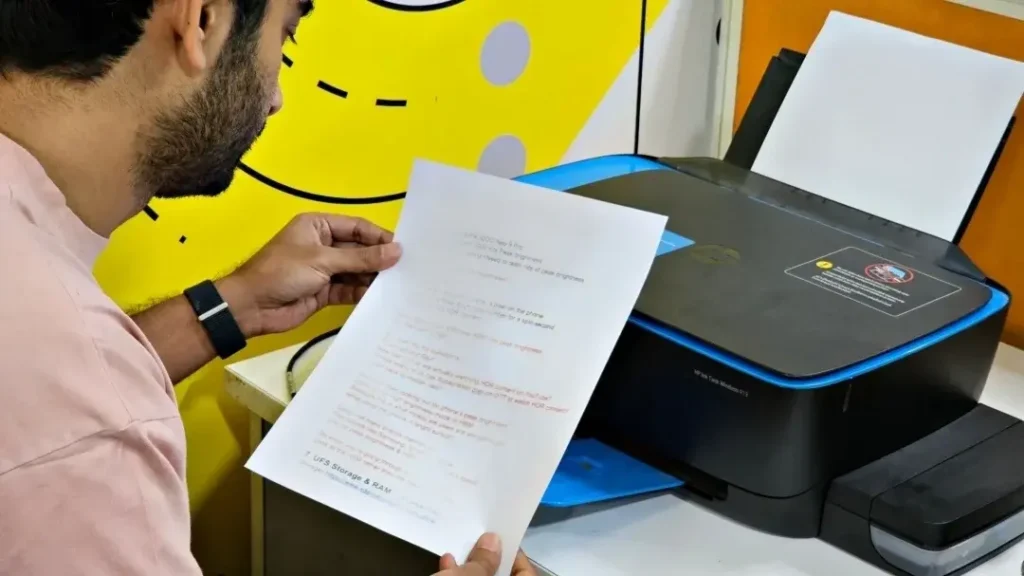
Seeing faded text, blurry images, or streaks on the page is a clear sign of poor print quality. This issue can show up on any printer, but the reasons are often simple and quick to correct.
1. Low or Uneven Ink / Toner
When ink or toner levels drop, prints start looking light or patchy.
Check the cartridge levels and replace anything that’s nearly empty.
2. Dirty Printhead or Rollers
Dust, dried ink, or paper residue can blur or streak your prints.
Run a built-in printhead cleaning cycle and wipe the rollers gently if accessible.
3. Wrong Paper Type
Using thin or glossy paper without the right settings leads to smudging and dull output.
Make sure the paper type in the print settings matches the sheet in the tray.
4. Incorrect Print Settings
A low-quality print mode can make everything look washed out.
Switch to Normal or High Quality for sharper text and images.
5. Old or Corrupted Drivers
Drivers affect colour accuracy and sharpness.
Updating them often improves print clarity instantly.
6. Moist or Curled Paper
Humidity affects paper surface and causes uneven printing.
Always use fresh, dry, flat paper for best results.