
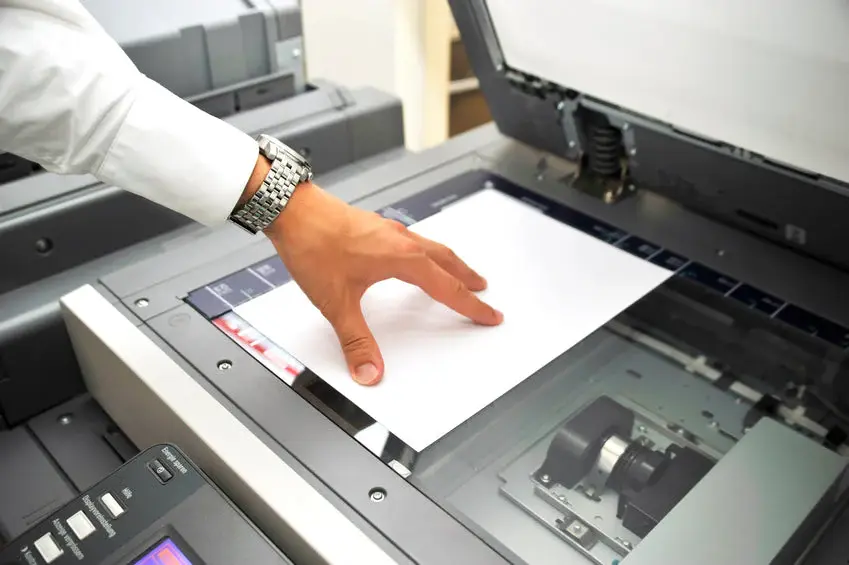
A scanner issue can slow down your work whether you’re using an all-in-one printer or a separate scanner. Most problems come from connection faults, outdated software, or simple settings errors. Here’s a quick guide to help you get the scanner working again.
1. Scanner Not Detected
If your computer says the scanner can’t be found, the connection is usually the problem.
Check the USB cable or make sure the Wi-Fi connection is active. Restarting both devices often brings the scanner back online.
2. Scanner Producing Blank or Faded Scans
This happens when the glass is dirty or the light source inside is weak.
Clean the scanner glass with a soft cloth and make sure nothing is covering the scan area.
3. Software or Driver Errors
If scanning stops after a system update, the driver may be outdated.
Reinstall the scanner driver or update it from the official website. This fixes most communication problems.
4. Slow or Stuck Scanning
Large-size files, high DPI settings, or low system memory can slow scanning.
Lower the resolution temporarily or close background apps to speed things up.
5. Scanner App Crashing
If the scanning software freezes or closes, reset the app settings or reinstall the software. Sometimes using a different scan app also helps.