
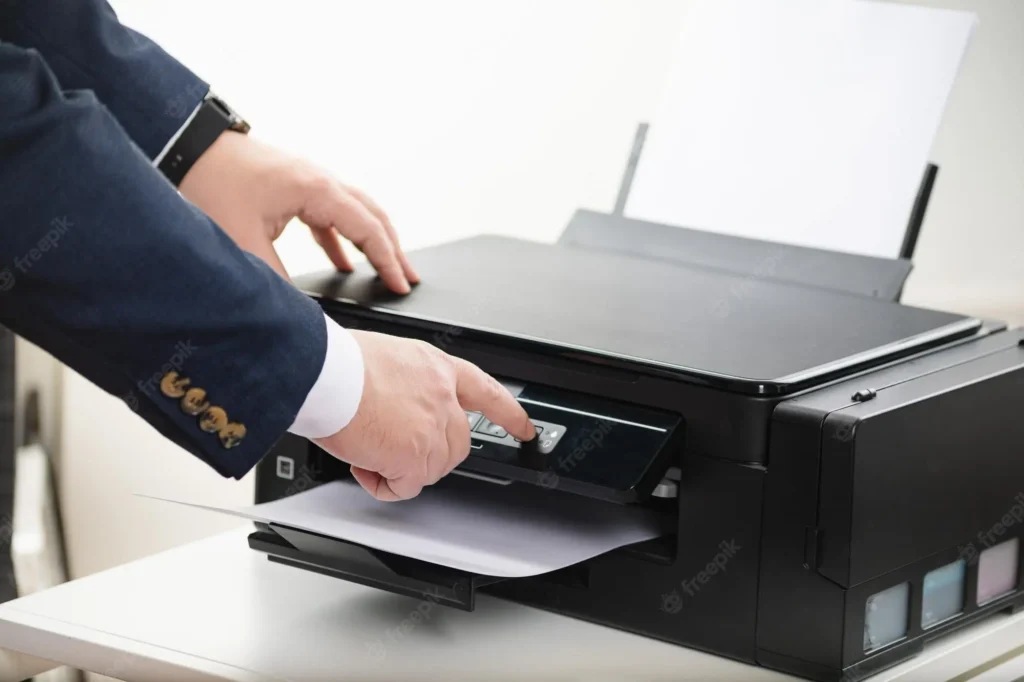
It’s frustrating when your printer goes through the motions but only prints blank paper. This problem happens with almost every brand at some point, and the root causes are usually simple to fix.
1. Low or Empty Ink / Toner
If the cartridges are nearly empty, the printer may still run but won’t release any ink or toner on the page. Check your ink levels and replace if needed.
2. Clogged Printhead
Inkjet printers often develop clogged nozzles when they’re not used regularly. A quick printhead cleaning from the printer settings usually solves it.
3. Improper Cartridge Installation
If a cartridge isn’t clicked in properly, the printer behaves as if everything is fine but still prints blank sheets. Remove and reinstall the cartridges to be sure.
4. Wrong Paper Settings
Using the wrong paper type or mismatched print settings can cause printing errors. Make sure the paper size and type match your printer settings.
5. Outdated Drivers
Old or corrupt drivers can stop proper communication between the printer and the computer. Updating them from the official site often fixes the issue.